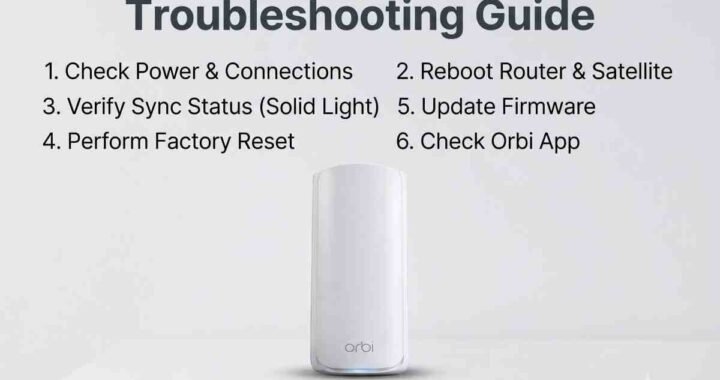
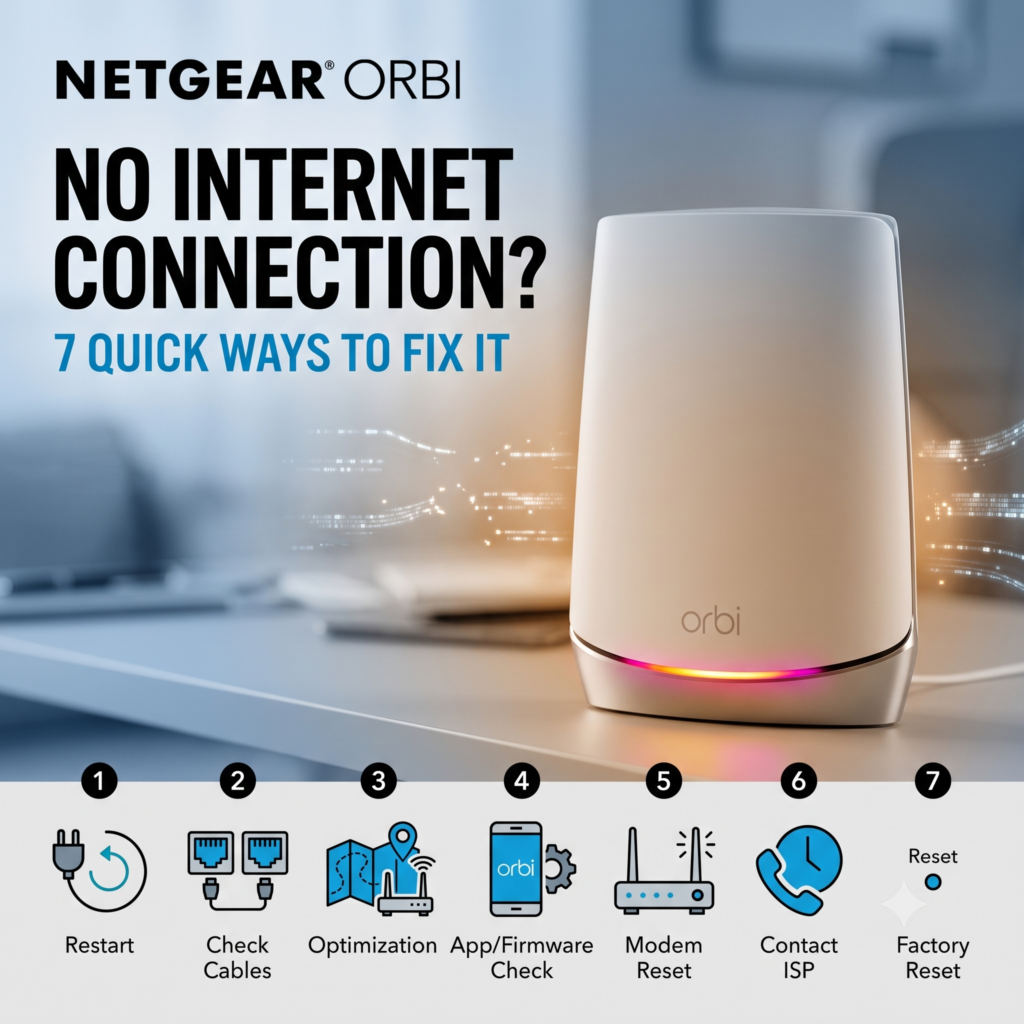
Netgear Orbi No Internet Connection? 7 Ways to Fix It
Netgear Orbi no internet connection can be frustrating when your devices still show a strong WiFi signal. The problem is often caused by the modem, Ethernet connection, WAN settings, or satellite sync. Start by identifying where the Internet connection stops.
Netgear Orbi no internet connection: Check the LED First
When you have a Netgear Orbi no internet connection, start with the router's ring LED. A solid magenta router LED generally means Orbi has no Internet connection, while an off ring normally indicates that the router is connected.
A magenta satellite LED can indicate that the satellite has lost its backhaul connection or cannot obtain an IP address.
1. Restart the Modem and Orbi Correctly
A power cycle can clear temporary connection problems. Restarting both devices in the correct order is an important first step when troubleshooting an Orbi Internet connection.
- Turn off the modem and Orbi router.
- Wait about two minutes.
- Turn on the modem first and wait for its lights to stabilize.
- Turn on the Orbi router and allow several minutes for it to boot.
- Connect a phone or computer to Orbi WiFi and test the Internet.
If the modem itself has no Internet connection, contact your Internet service provider before changing your Orbi configuration.
2. Check the Ethernet Connection
If you still have a Netgear Orbi no internet connection, inspect the Ethernet cable between the modem and Orbi router. Make sure the cable is firmly connected to the modem and the Internet or WAN port on the Orbi router.
Try another Ethernet cable if available. You can also connect a computer directly to the modem to determine whether the modem is providing Internet access.
If Internet works directly from the modem but not through Orbi, the problem may involve the WAN connection, ISP configuration, or Orbi router.
3. Verify Your ISP Connection Settings
Some Internet providers require specific WAN settings such as DHCP or PPPoE credentials. If the Internet stopped working after a configuration change, review the Internet settings on your Orbi router.
If you need to access your Orbi settings without using the mobile app, read our guide: How to setup orbi without app .
Avoid changing advanced ISP settings unless you know which connection type your provider uses.
4. Determine Whether the Satellite Is Causing the Problem
If the main Orbi router has Internet access but devices connected through a satellite do not, focus on the satellite rather than the modem or WAN connection.
Move the satellite temporarily closer to the main router and check its LED status. A blue light generally indicates a good satellite backhaul connection, while amber indicates a weaker connection and magenta can indicate a failed backhaul connection.
If your RBS50 appears offline, see our detailed guide: RBS50 showing offline .
5. Re-Sync the Satellite
A satellite can lose synchronization even when the main Orbi router continues working normally. Place the satellite near the router before attempting to synchronize it again.
- Place the satellite closer to the main Orbi router.
- Press the Sync button on the Orbi router.
- Within two minutes, press the Sync button on the satellite.
- Wait several minutes for the satellite to establish a connection.
- Move the satellite back to its intended location after synchronization.
If synchronization continues to fail, keep the satellite closer to the router and test again.
6. Test the Main Router Without Satellites
Still dealing with a Netgear Orbi no internet connection? Disconnect or power off all satellites temporarily and test the main router by itself.
If Internet access returns after removing the satellites, the problem is likely related to satellite synchronization, placement, or the wireless backhaul.
If the router still cannot access the Internet, focus on the modem, WAN cable, ISP settings, or possible service interruption.
7. Factory Reset Only as a Last Resort
A factory reset removes your existing Orbi configuration, so it should not be the first troubleshooting step. Before resetting the system, confirm that your modem has Internet access and that the WAN cable is connected correctly.
If you eventually need professional assistance, note your Orbi model, LED color, ISP, and whether Internet works directly from the modem. These details can make troubleshooting much faster.
Frequently Asked Questions
Why does my Orbi say connected but have no Internet?
Your device can connect to Orbi WiFi while the router has no working WAN connection. Check the modem, Ethernet cable, and Internet service from your ISP.
Why is my Orbi router light magenta?
A solid magenta router ring generally means the Orbi router does not have an Internet connection. Check the modem, WAN cable, and ISP service before changing advanced settings.
Why does Orbi WiFi work but there is no Internet?
WiFi and Internet access are separate. Your device can connect to the Orbi wireless network even when the router cannot reach your Internet service provider.
Should I reset Orbi when there is no Internet?
A factory reset should not be your first step. Restart the modem and Orbi router, check the WAN cable, verify Internet access directly from the modem, and test the router without satellites first.
Why is my Orbi satellite offline?
An Orbi satellite may go offline because it has lost synchronization, has a weak backhaul connection, or is too far from the router. Move the satellite closer to the router and synchronize it again.
How do I fix my Netgear Orbi when there is no Internet?
Restart the modem and Orbi router, check the Ethernet connection, verify ISP settings, inspect the Orbi LED, test the router without satellites, and resync the satellite if necessary.
How do I reconnect my Orbi satellite to the router?
Place the Orbi satellite closer to the main router, press the Sync button on the router, and then press the Sync button on the satellite. Allow several minutes for the connection to establish.
How do I restart my Orbi router and modem?
Turn off both the modem and Orbi router. Wait about two minutes, turn the modem back on, wait for its lights to stabilize, and then turn on the Orbi router.
Fix Netgear Orbi No Internet Connection
A Netgear Orbi no internet connection does not automatically mean the router is defective. Check the modem, WAN connection, ISP settings, router LED, and satellite connection separately before performing a factory reset.
If you have completed these troubleshooting steps and your Orbi still cannot provide Internet access, contact a qualified Orbi support technician. Provide your Orbi model, LED status, ISP information, and the troubleshooting steps you have already tried so the problem can be diagnosed more efficiently.