How to Fix the "orbilogin.com Not Working" Error
Nothing is more frustrating than trying to manage your home network only to discover that the web interface refuses to load. If you are dealing with orbilogin.com not working, you aren't alone. Netgear Orbi routers are fantastic for eliminating Wi-Fi dead zones, but getting stuck at the login screen can stop your network setup right in its tracks.
Fortunately, most login issues are simple to resolve. Here is a comprehensive guide to understanding why this happens and how you can fix it fast.
Why is orbilogin.com Not Working?
The Orbi login page isn't a traditional website hosted on the internet; it is a local admin portal built into your router. When your browser fails to load it, the problem usually stems from a miscommunication between your device and the router itself. Common culprits include:
- Being on the wrong network: Your device might be connected to cellular data or a different Wi-Fi network rather than the Orbi itself.
- Browser cache issues: Old data in your web browser might be preventing the local portal from loading correctly.
- IP address conflicts: Custom DNS settings or active VPNs can block access to the router's local domain.
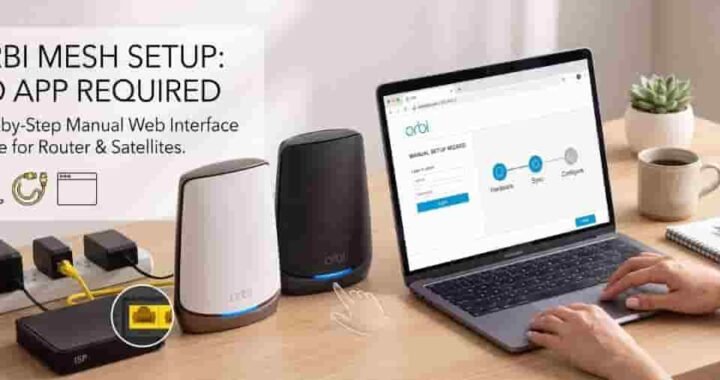
- Loose connections: A simple unplugged cable can sever the connection between your modem, router, and computer.
Step-by-Step Troubleshooting
If you are staring at an error page, walk through these easy steps to regain access to your Orbi dashboard.
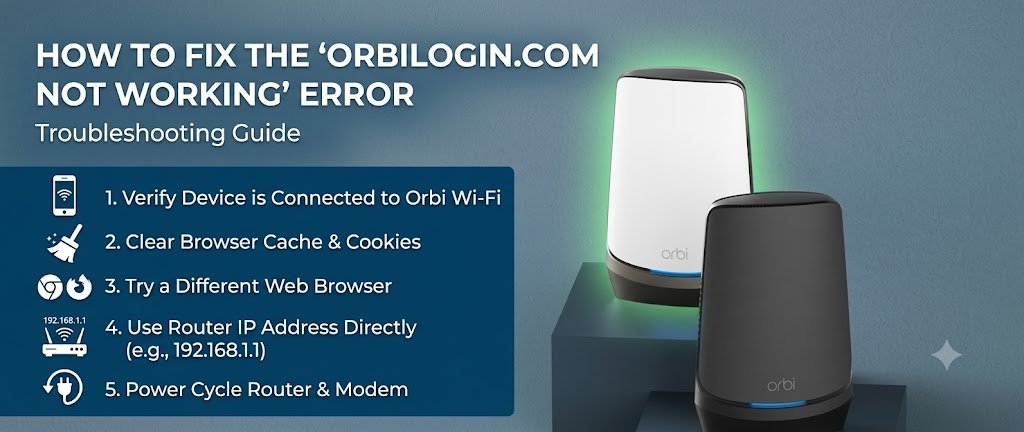
1. Verify Your Network Connection
The most common mistake why orbilogin.com Not Working is trying to access the login page while disconnected from the Orbi network. Ensure your computer or smartphone is actively connected to your Orbi’s Wi-Fi SSID. If the wireless connection is unstable, plug an Ethernet cable directly from your computer into one of the Orbi router’s LAN ports.
2. Bypass the Web Address
Because the URL is a local web address, custom DNS servers or active VPNs can prevent it from resolving correctly. Instead of typing the web address, use the router’s default IP address. Type 192.168.1.1 directly into your browser's address bar. This bypasses the domain error entirely.
3. Clear Your Browser Cache
Sometimes orbilogin.com Not Working because your web browser holds onto outdated data that triggers a redirect loop or a blank screen. Clear your browser’s cache and cookies, or simply open a private/incognito window to see if the page loads. Trying a completely different browser like Firefox or Chrome can also resolve the issue.
4. Use the Netgear Orbi App
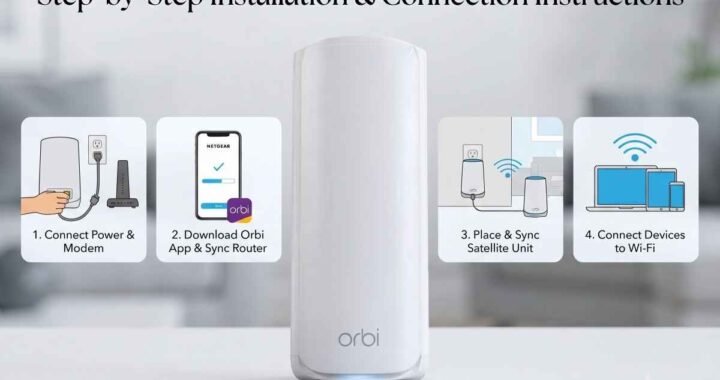
If the web browser route is giving you too much trouble, skip it. Download the official Netgear Orbi app on your iOS or Android device. As long as you are connected to the Orbi Wi-Fi, the app can detect your router automatically, allowing you to Setup Orbi, manage passwords, check firmware, and view connected devices without needing the web portal.
5. Reboot the Network
When all else fails, a classic power cycle is your best friend. Unplug your modem and Orbi router from their power sources. Wait for about 30 seconds, then plug the modem back in. Once the modem's lights stabilize, plug in the Orbi router. After the router fully boots up, try accessing the login page again.
Dealing with orbilogin.com not working doesn't have to ruin your day. By checking your connections, using the direct IP address, or switching to the Orbi app, you can bypass the block and get back to enjoying seamless home Wi-Fi.